 Virtual tours for remarkable stays
StayPano · Insights & guides
Sharing your 360 tour via Zalo and QR codes
How to share your 360 tour via Zalo and QR codes: QR at the reception desk, tour links for room inquiries, tracking sources with dedicated links.
Sharing your 360 tour via Zalo and QR codes
A finished 360 tour sitting only on your website runs at half capacity. In Vietnam, Zalo is where guests ask about rooms and prices daily — and QR codes are the fastest way for offline guests to "carry" your tour home on their phones. How to exploit both channels.
Sending tours on Zalo: right time, right person
When to send? When guests ask questions the tour answers better than words:
- "What are your rooms like?" → tour link with "take a walk through yourself first."
- "Is the view nice?" → tour link opening at the balcony/view scene.
- "How much?" → tour plus price list (tours with embedded pricing info are even handier).
How to send effectively?
- Add one short line of context, never a bare link: "Here's our homestay's 360 tour — tap in and spin around each room."
- Use a short memorable link if reading it over the phone.
- Save message templates in Zalo OA so staff send fast and consistently.
QR codes: bridging offline to tour
Where to place QR?
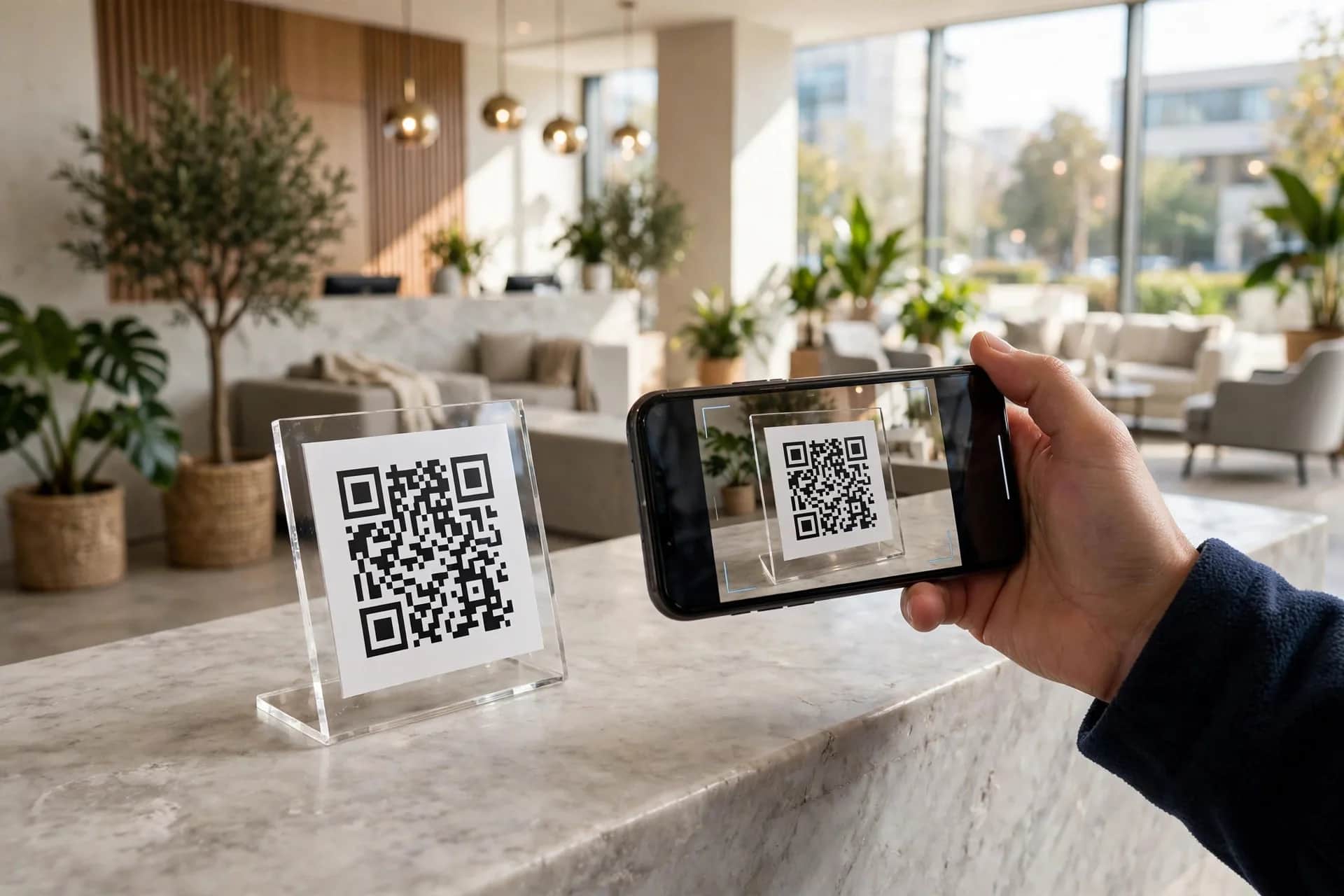
- Reception desk: "Scan to view the 360 tour" standee — waiting guests scan for fun; walk-ins scan and book next time.
- Inside rooms: QR card on the table — guests in this room scan to see higher room tiers, and book up next time.
- Restaurant/café tables: QR on table standees — guests scan the space, take check-in photos.
- Flyers, business cards: print QR on all materials.
How to make QR?
- QR points straight at the tour link (shortened).
- Print large enough to scan easily (minimum 3×3cm), in good light.
- Test with 2–3 different phones before mass printing.
Tracking sources with dedicated links
Want to know whether guests come from QR or Zalo? Use per-channel links:
- Website link:
tour-360(default). - Desk QR link:
tour-360?src=qr-desk. - Zalo link:
tour-360?src=zalo.
Ask your tour builder to support source parameters — see measuring 360 tour performance for which metrics to read.
Notes
- The tour link must load fast on phones — most QR scans and Zalo opens are mobile (see devices for viewing 360 tours).
- Don't spam tours at uninterested guests — it cheapens the tour. Send when they ask, or place QR where the curious scan themselves.
Does your tour have a short link and QR yet? Message via Zalo — I'll advise on source-tracking links and effective QR placement, free.
💬 Get advice on sharing tours via Zalo/QR
Read next: Measuring 360 tour results: which metrics matter? · How to get your 360 tour on Google Maps