 Virtual tours for remarkable stays
StayPano · Insights & guides
What devices can you view a 360 tour on?
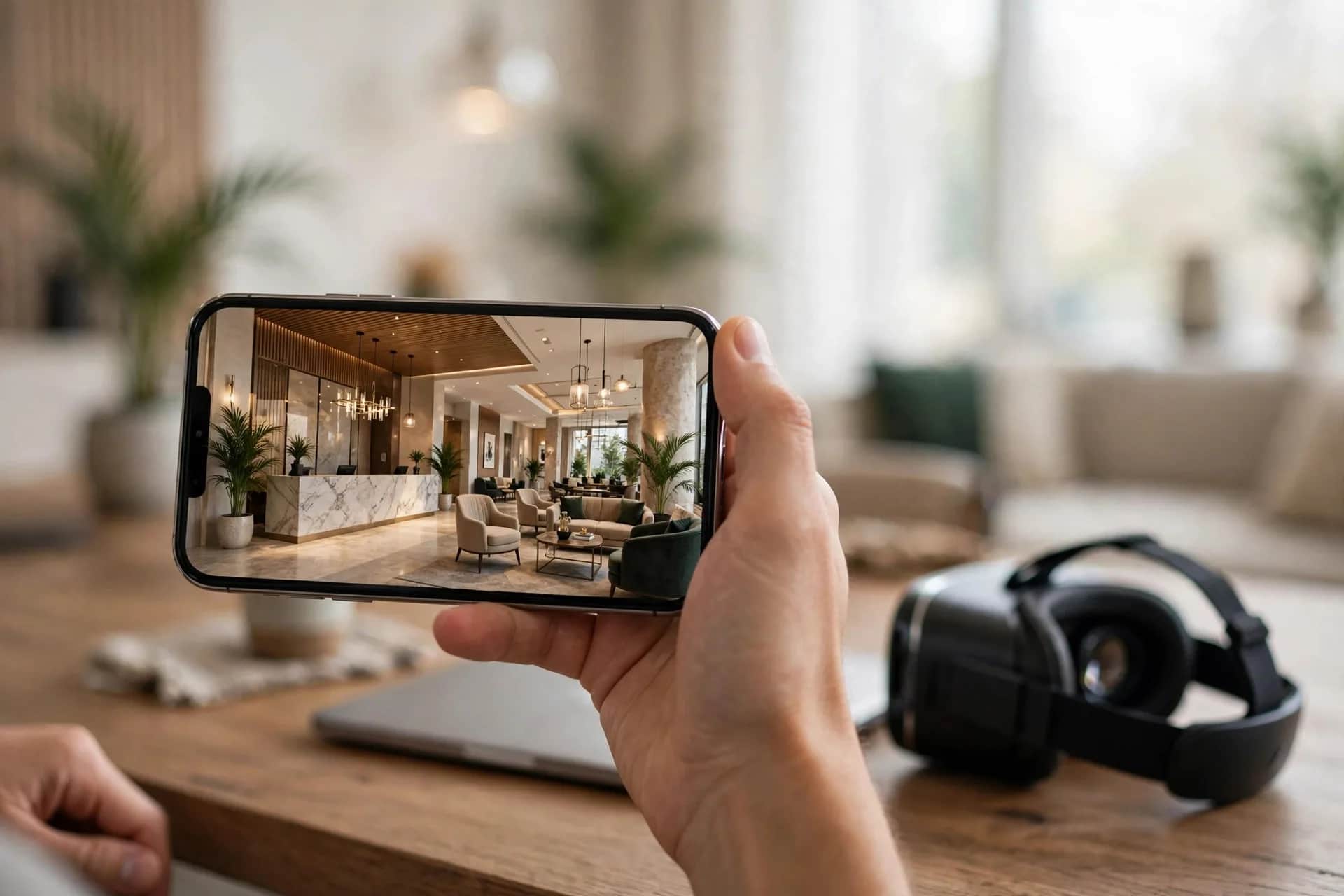
What do you need to view a 360 tour? Tours run fine on phones and computers with no app install; a VR headset is only an optional upgrade.
What devices can you view a 360 tour on?
"Do I need to install an app to view a 360 tour? Will it work on a weak phone?" — not only your guests wonder this; you should know the answer before sending tours to anyone. Good news: viewing a 360 tour is much easier than you'd think.
Phone: the most common tour viewer
Most guests will open your tour on a phone. Viewing is surprisingly simple: tap the tour link — it opens right in the browser (Chrome, Safari), no extra app needed.
The gestures feel natural: swipe to spin the viewpoint, pinch to zoom, tap points to move between scenes or read info. Anyone with a smartphone gets it on the first try, no instructions needed.
One note for tour owners: the tour must be light enough to load fast on 4G. Unoptimized large panorama images make guests wait — and waiting guests leave. As covered in how to embed a 360 tour, always test the tour on a phone over 4G before handover.
Computer: the clearest detail
On a computer, the tour opens in the browser like any webpage. The bigger screen shows more detail — guests can read small info-point text and compare two room categories more easily.
Controls: drag to spin, scroll to zoom, click points like web links. If you're advising a guest over Zalo on desktop, just send the tour link — they'll manage without guidance.
Tip for property owners: when guests visit in person (viewing a space or model room), open the tour on a desktop or tablet at the counter and walk them through — far more vivid than flipping a photo album.
VR headset: an upgrade, not a requirement
A VR headset gives the feeling of "really standing" in the space — put it on and you're in the middle of the hotel lobby. Appealing, but three facts to know:
1. Everything works without the headset. Every piece of tour content — scenes, navigation, info points — views fine on phones and computers. VR only adds immersion, not content.
2. Very few guests own a headset. Don't build your sales plan around guests wearing VR — nearly all your tour views will come from phones.
3. When is VR worth it? Travel fairs, real estate expos, advisory booths — places where you want to impress passersby. Put a headset at the booth; one minute inside and visitors remember your stand.
Bottom line: don't worry about your guests' devices
The short answer to "what do I need to view the tour": just a phone with internet. No app install, no powerful machine, no VR headset.
Your job is making sure the tour loads fast, text reads on small screens, and buttons are big enough for fingers — things that belong to the production process, not to your guests' devices.
Want to feel how smooth a tour runs on your phone? Open the villa 360 demo on your phone right now — nothing to install.
💬 Get advice on making a 360 tour
Read next: How is a virtual tour different from a 360 video? · How to embed a 360 tour on your website and fanpage