 Virtual tours for remarkable stays
StayPano · Insights & guides
How to order a 360 tour at StayPano: from source photos to handover link
Ordering a 360 tour at StayPano takes 4 steps: photo check, viewing-flow lock, build and feedback, and clear-scope handover. See what you get at each step.
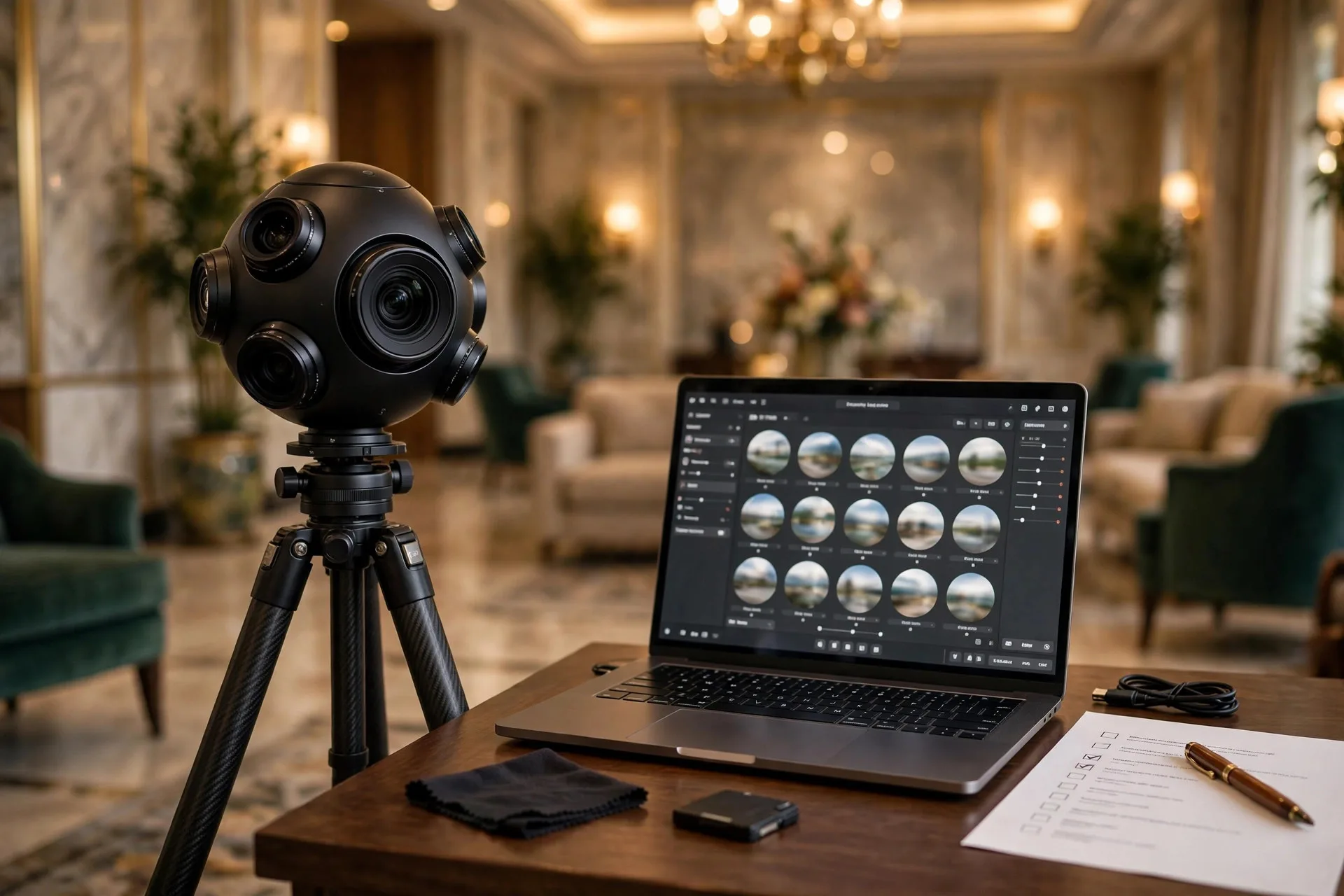
Many property owners hesitate to order a 360 tour not because of price, but because they don't know what they'll go through: what happens after sending photos? Do they get a preview? How many revision rounds before extra fees? What exactly lands in their hands?
This article describes the actual 4-step process of ordering a 360 tour at StayPano — each step states what you do, what we do, and what the step produces. After reading, you'll know exactly what happens from sending photos to holding the tour link.
Step 1 — Photo check (free)
Everything starts with your existing 360 photo set. Send it via Zalo or a Drive link — any photos, even ones you're unsure about.
We check 4 things:
- Resolution: are the images sharp enough for phones and desktops?
- Panorama seams: do the stitched edges align cleanly, without distortion?
- Space order: do the photos form a sensible walking flow, or are connecting scenes missing?
- Missing scenes: against the preparation checklist, which important angles are absent?
The output is a locked scene list — which photos are usable, which need re-shooting, and a quote based on the actual scene count. If photos fall short, you know exactly what to add before spending on production. This check is free with no strings: if the photos don't pass, you can walk away owing nothing.
Step 2 — Lock the viewing flow
With the photo set locked, we design the viewing flow with you — how guests will walk your tour:
- Main viewpoints: which angle anchors each scene.
- Navigation points: where they sit (real doors and walkways in the photo) and what the labels say ("Deluxe Room 301", not "Next").
- Info-point content: what each point says, which photos or videos it carries — copy you supply or we write from your confirmed facts.
- Contact paths: Zalo button, booking link, form — placed at which scene.
The output is an approved flow script. This step matters because major changes later mean rework — locking it carefully here keeps the rest fast and cheap. For a preview of flow thinking, see the hotel 360 tour guide.
Step 3 — Build and feedback
We build the tour exactly per the approved script: processing images, aligning panoramas, placing navigation and info points, adding your branding if requested.
Then you receive a preview link — a complete tour to open on your own phone and computer. Walk the whole thing as a real guest would: does the flow make sense, any typos, any misplaced points?
Then come the pre-agreed feedback rounds (usually 1–2): you list fixes, we apply them. The most effective way to give feedback: open the tour on your phone, screenshot what needs fixing, add a short note ("move this point to the left door"). Far faster than describing over a call.
Honest note: fixes within the locked scope (text edits, point moves, image swaps) are covered by the feedback rounds; a mid-project change of direction (e.g. adding a full English version to a Vietnamese-only build) is billed extra — that's new work, not a fix.
Step 4 — Handover with clear scope
Tour approved, you receive the full handover — with everything documented before production started, not negotiated now:
- The official tour link for sharing with guests.
- Embed code for putting the tour on your website (iframe) or a new-tab link button.
- Admin rights or a user guide: what you can edit yourself, what needs our help — written in the handover record.
- Hosting term and renewal fees: whose account hosts the tour, year-one and subsequent annual fees.
- Post-handover update policy: adding/removing scenes, editing text, swapping photos — per request, per hour, or maintenance plan, with turnaround times.
These five are the same 5 questions to ask before ordering from the pricing article — if you read that one, this is where the answers become written commitments.
FAQ
How long does a tour take? Depends on scene count and feedback rounds. A small tour (4–6 scenes) with content ready goes fast; a hotel tour with per-category scene groups takes longer. The timeline is locked at Step 2, once the scene list and flow script exist — promising dates before knowing the scope is guessing.
What if I don't have 360 photos yet? StayPano's service builds tours from existing 360 photos; shooting is not included — as stated directly in the pricing article. If you don't have photos, I'll send the input requirements so you can brief a photographer properly (ratio, resolution, angles to cover). Come back to Step 1 once you have a passing set.
Can things be edited after handover? Yes, per the plan chosen at handover. Small edits (phone number change, price fix in a menu photo) are quick; adding a new room category counts as additional work. General rule: whatever the handover record says, goes — no surprise costs.
Does the tour work on phones? Yes — most of your guests will view it on phones. Before handover, the tour is tested on phone and desktop, on wifi and 4G alike.
Ready to start? Step 1 is free with no strings: send your existing 360 photo set via Zalo, I'll quality-check it, count the usable scenes, and quote against your actual photos. No photos yet? Describe the property — I'll send the input guide so you can prepare.
💬 Send photos to start Step 1 (free)
Learn more: How much does a 360 tour cost? · Checklist before ordering a 360 tour · Hotel 360 tour service