 Virtual tours for remarkable stays
 HOTELS
Hotel 360° virtual tours
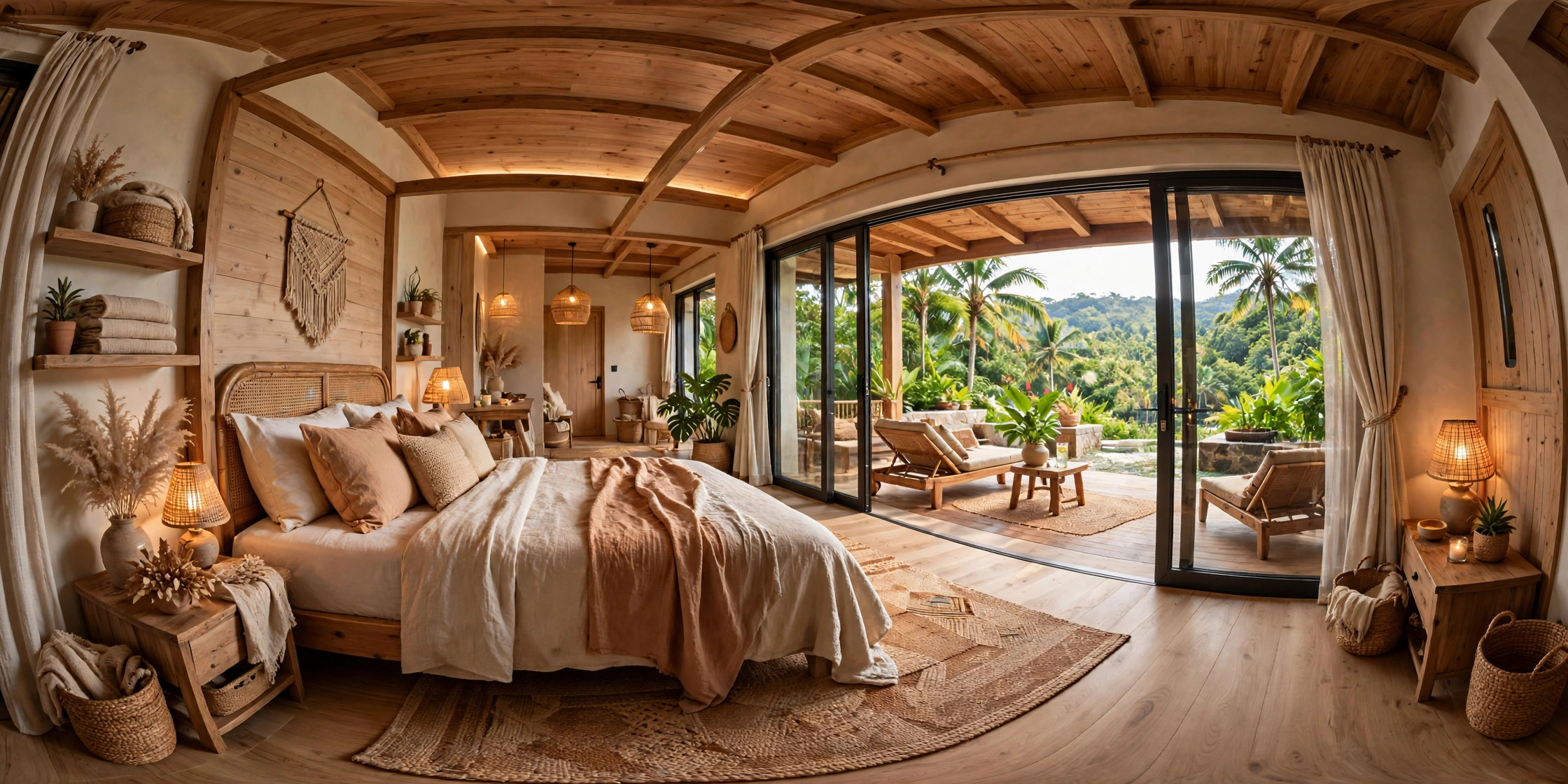
Introduce room categories, bed layouts and shared amenities, with answers to common questions beside the relevant view.
Explore tours for HotelsLet guests explore rooms, views and amenities before making an enquiry. Share a tour with your property’s branding through a link or embed it on your website.
Auto-rotation stops when you interact.
Try a four-scene tour: choose a room, look around and open information within the space. This demo uses illustrative imagery.
This demo uses illustrative images, not client project photos. Panorama quality must be checked before handover.
Your final scope follows a review of your photos.
Hotels need clear room categories, villas need a view of group living, and homestays need to explain private and shared spaces. Each tour follows those needs.
HOTELSIntroduce room categories, bed layouts and shared amenities, with answers to common questions beside the relevant view.
Explore tours for Hotels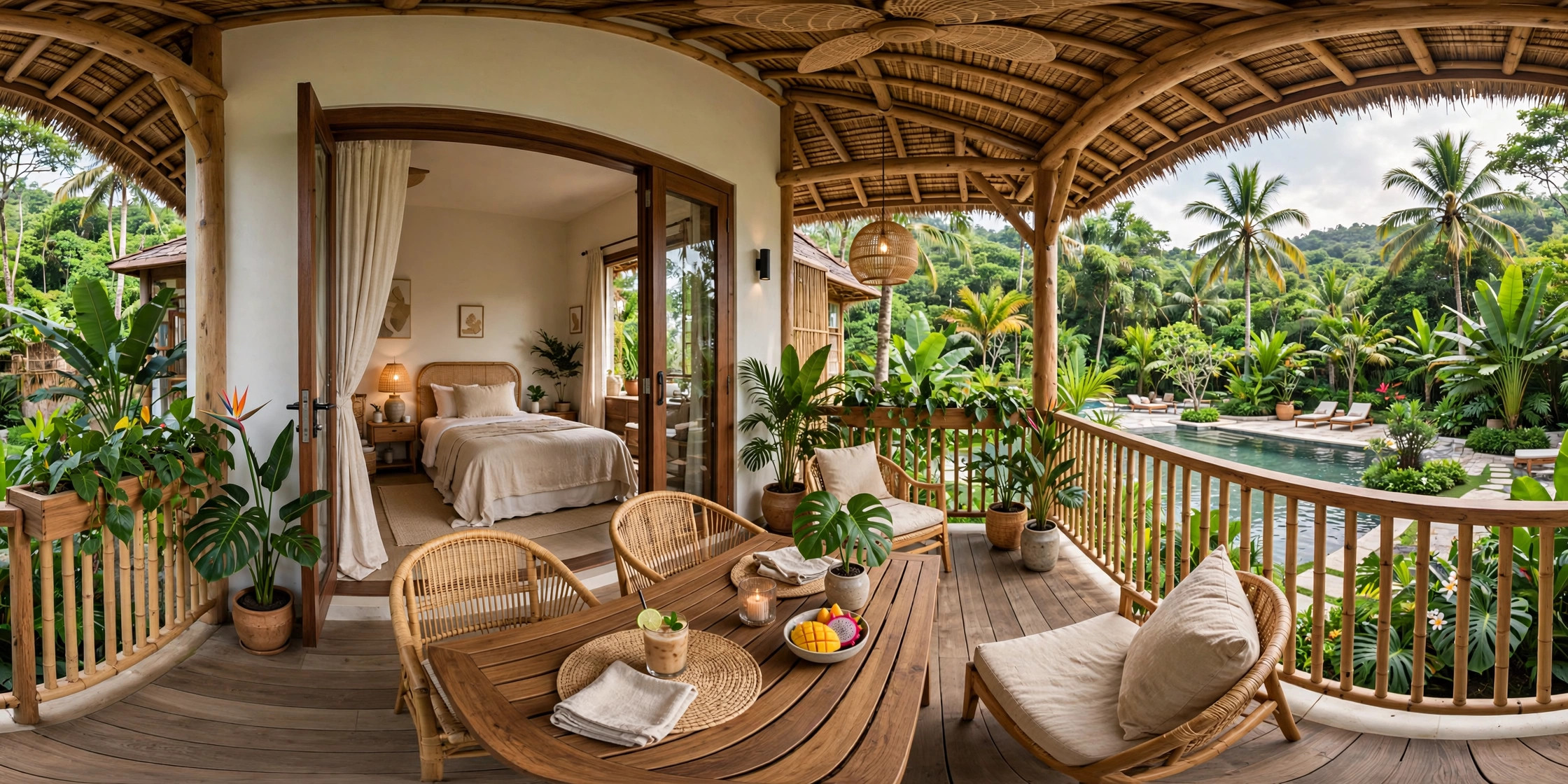 VILLAS
Connect bedrooms, kitchens, gathering spaces and pools so guests can picture how their whole group will use the villa.
Explore tours for Villas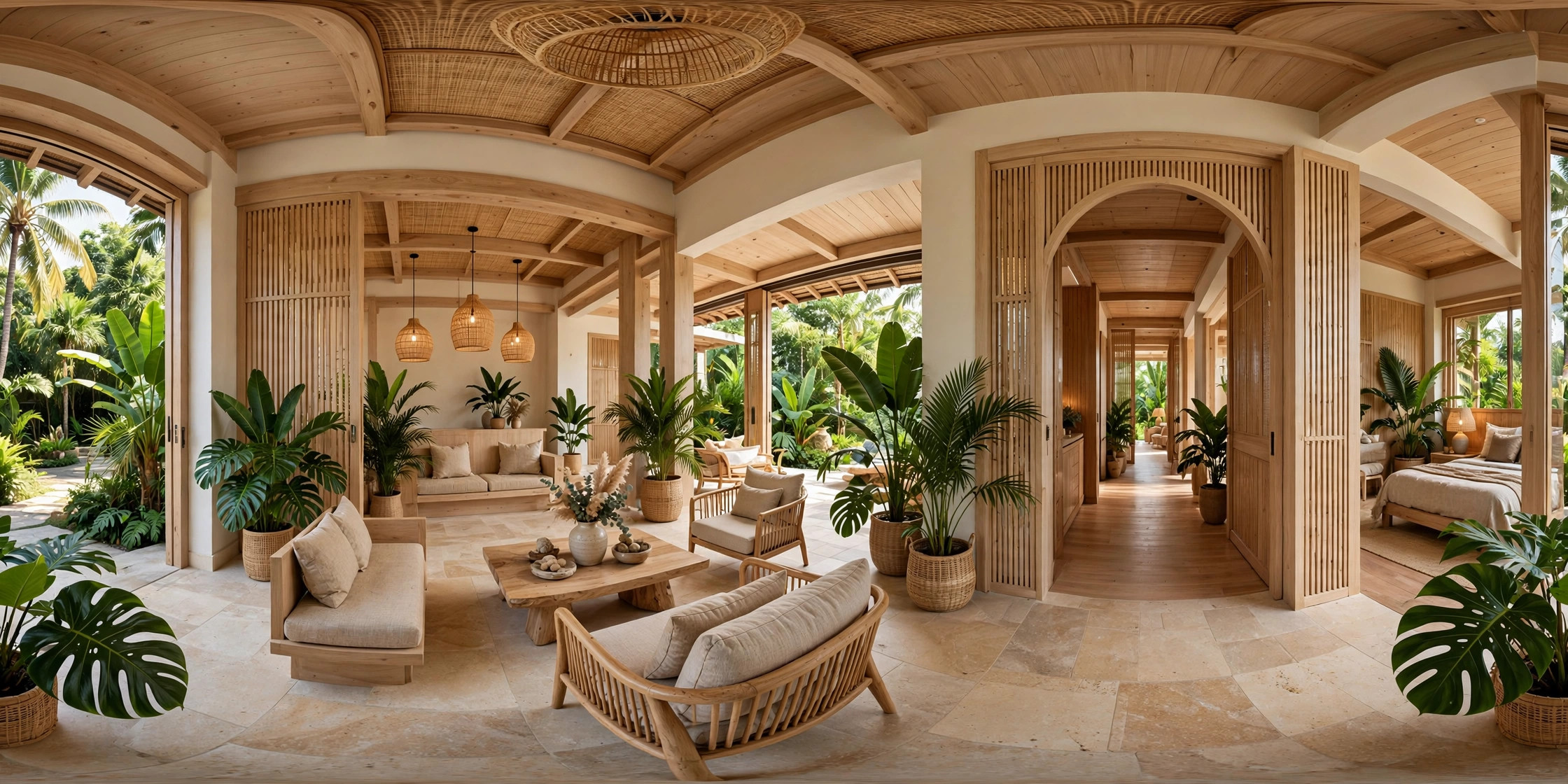 HOMESTAYS
Show room character, distinguish private and shared spaces, and give guests a direct way to contact the property.
Explore tours for HomestaysReference demos for homes, commercial spaces and exhibitions. Some collections include several locations; choose a setting group inside the tour. These are not StayPano client case studies.
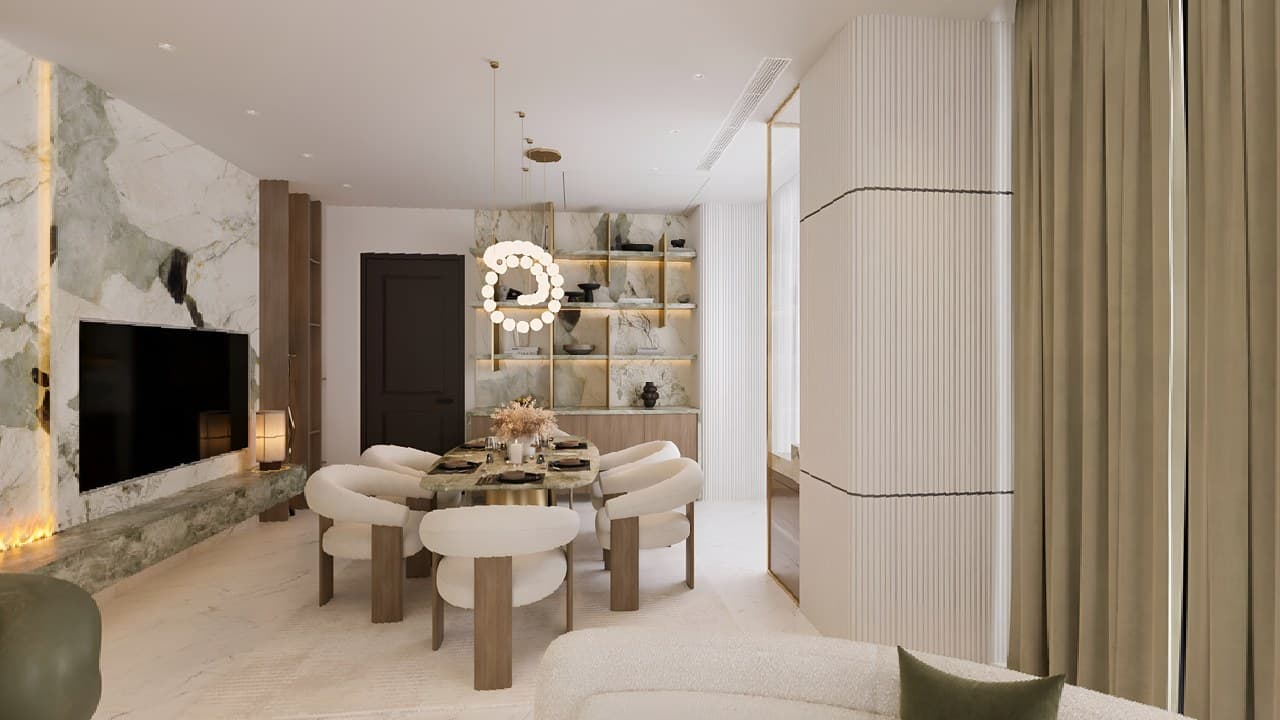
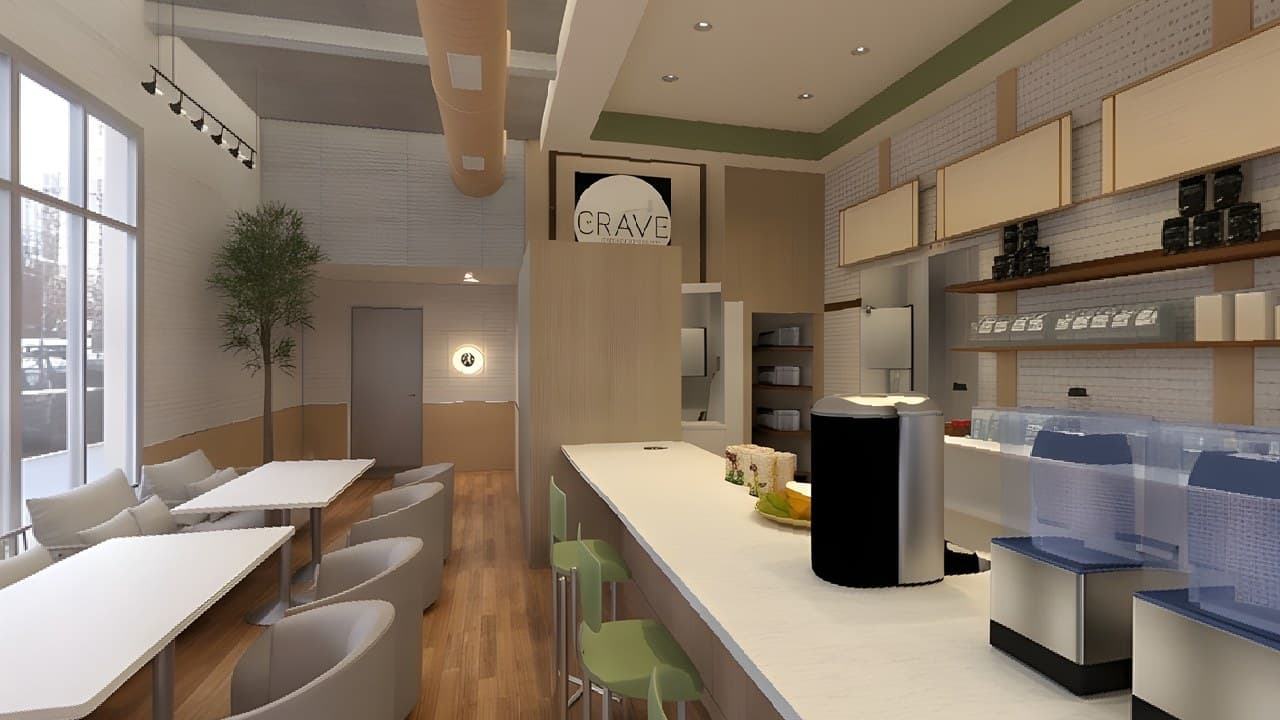
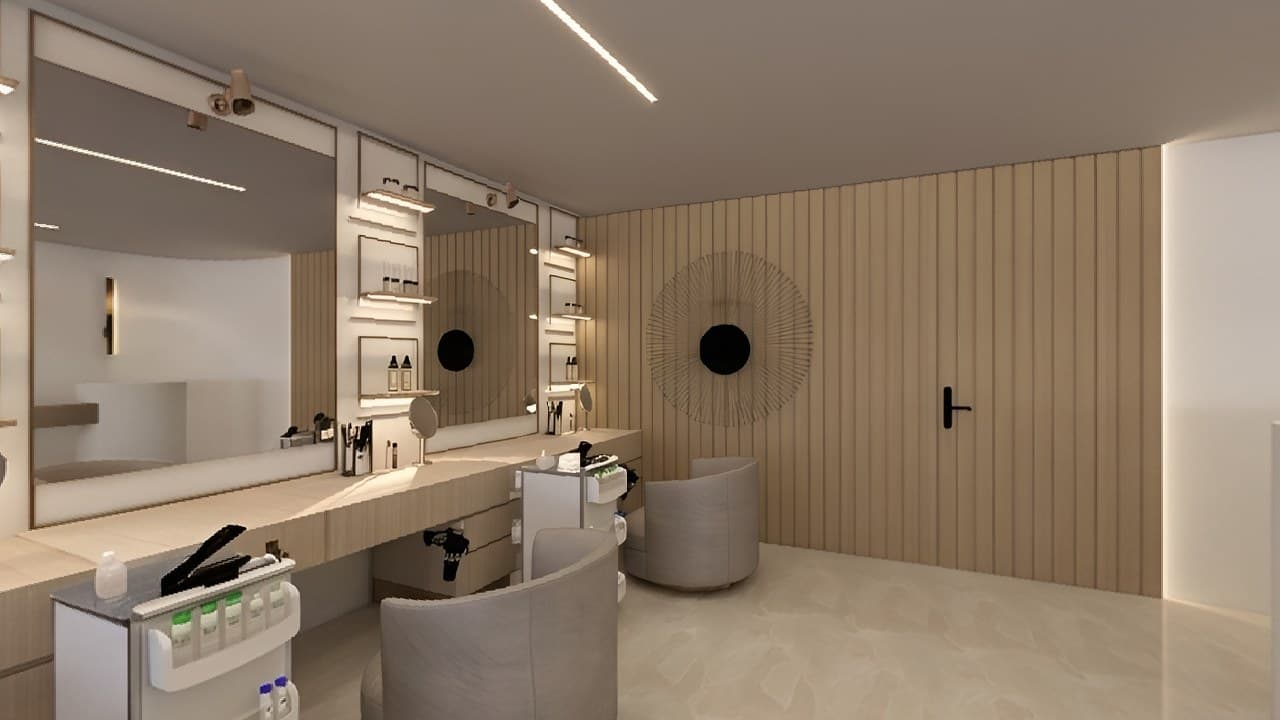
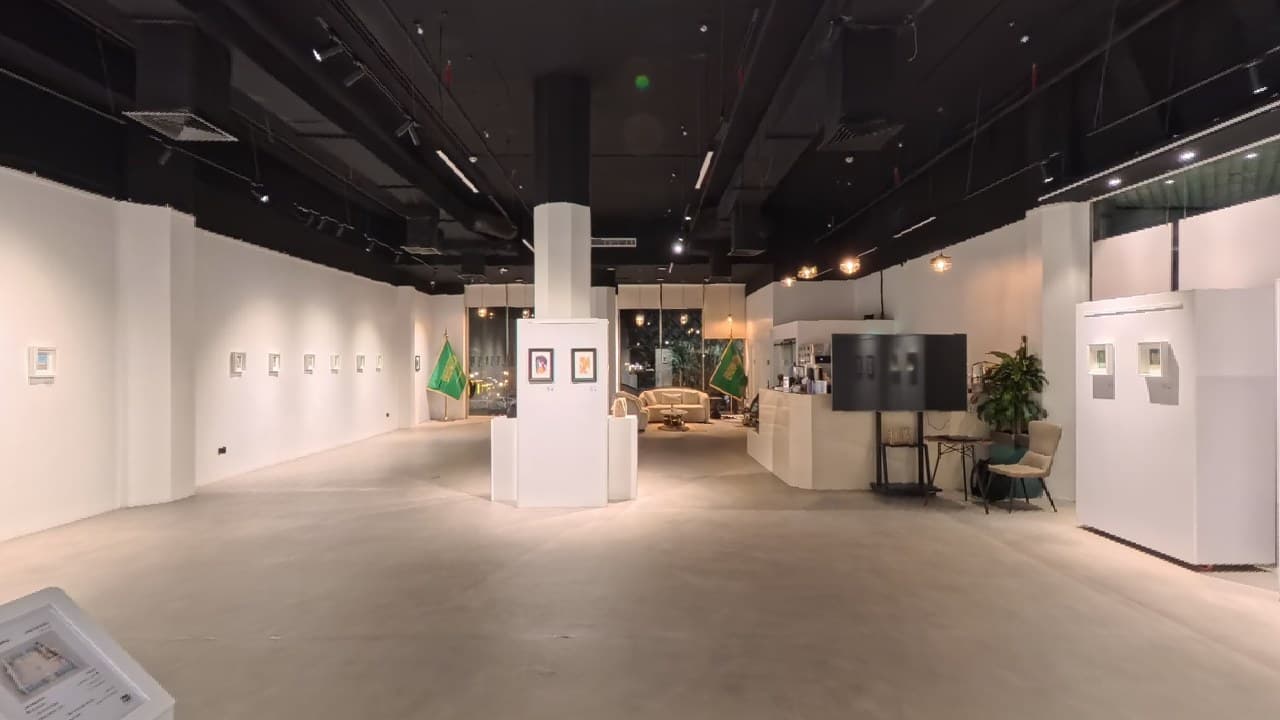
5 scenes · Main lobby · Second-floor lobbies & corridor · Access amenities
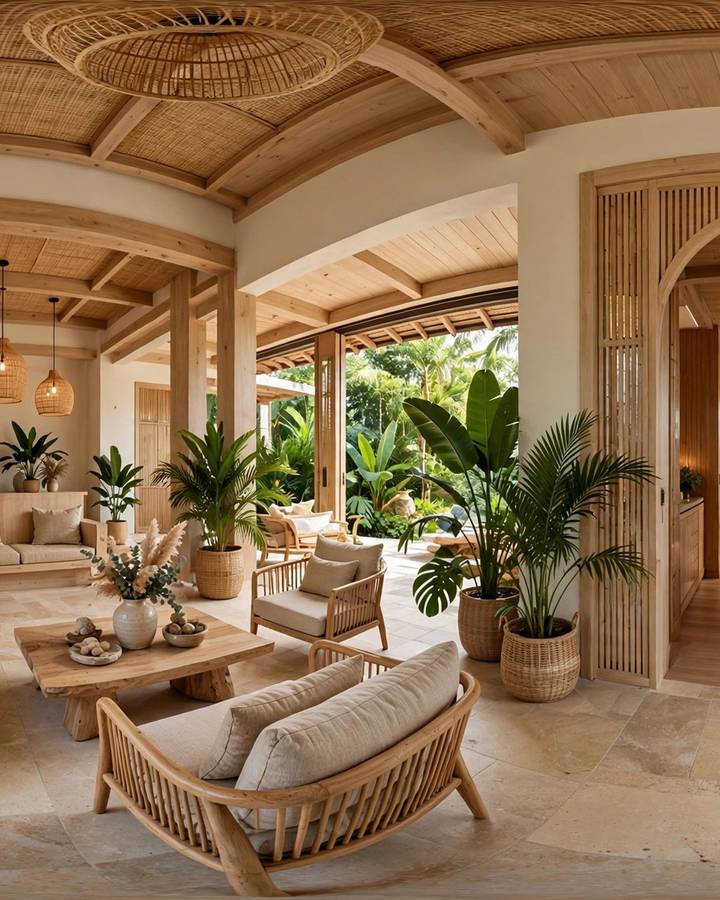
Move the slider, then drag the 360° side. See what changes when visitors control their point of view.
Illustrative views of the same lobby. This compares how you explore, not image quality.
The final scope follows your photos and requirements. Hosting and update costs are discussed before work begins.
Open the tour on mobile and desktop within the agreed hosting period.
Add the tour to your website where the platform supports it.
Scene connections, information and contact links following the approved journey.
Clear access rights, backups, hosting periods and update costs.
Each step has a clear input and outcome. Additional integrations follow your requirements.
lobby.jpg 2240 × 1120 · 2:1Check resolution, connections, the order of spaces and any missing scenes.
lobby.jpg 2240 × 1120 · 2:1Agree on the main scenes, hotspots, information and the visitor’s next step.
Create the tour, share a preview and refine it within the agreed review rounds.
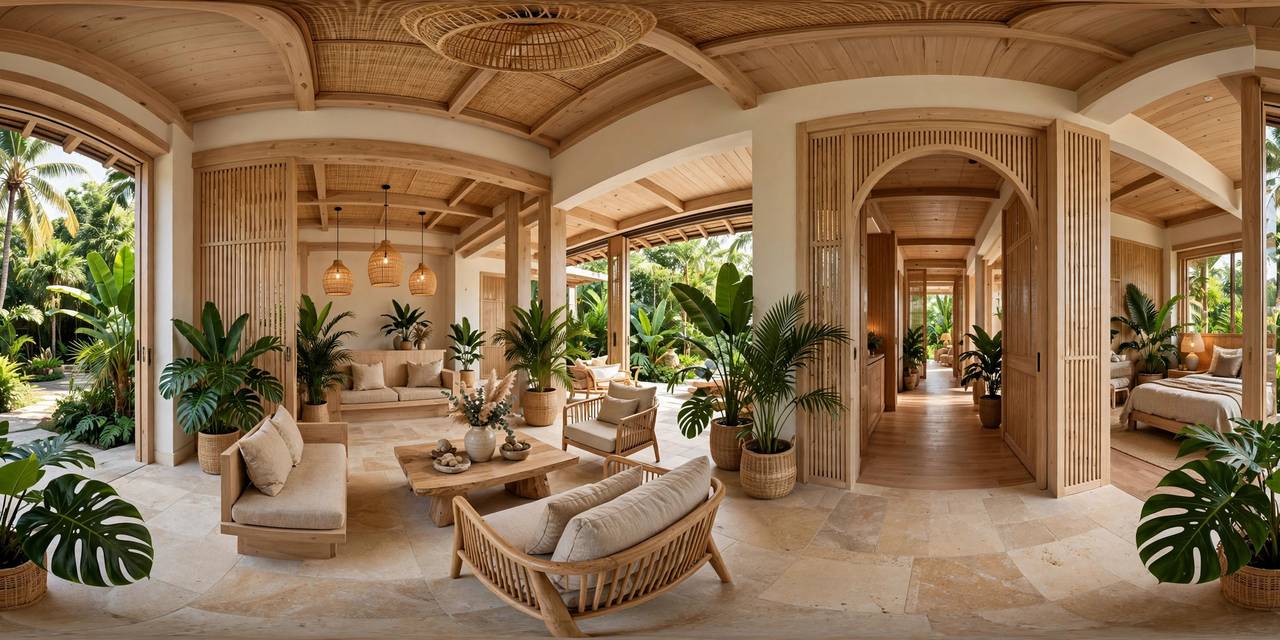 From the lobby to the pool
Deliver the link, embed code, access or documentation within the agreed scope.
360°What to know about your photos, scope and handover.
We can explain the required photos so you can work with a suitable photographer. This service focuses on building tours from existing photos; photography is not included.
Scenes, room groups, content, design and integrations determine the scope. StayPano quotes after reviewing your photographs and requirements, with hosting periods and update costs defined in the handover.
Yes. Visitors can choose scenes and look around on phones or computers. Embed code works with websites that support iframes and is tested within the agreed delivery scope.
Updates depend on your access and delivery package. Platform fees, hosting periods and update costs are agreed before work begins.
Share your contact details, property type and photo status. StayPano will discuss scenes, the information to include and a suitable scope for your quote.