 Virtual tours for remarkable stays
StayPano · Insights & guides
360 Tours for Real Estate Agents: Selling Homes Remotely With a Real Walkthrough
How real estate agents use 360 tours to sell homes remotely: send the link before booking a viewing, screen buyers, and walk through one tour on the phone.
360 Tours for Real Estate Agents: Selling Homes Remotely With a Real Walkthrough
A message every agent knows: "I'm far away and can't come to view yet. Does the house really look like the photos? Can I see the living room and the kitchen properly?" The agent sends more photos, answers more messages — and the buyer still can't picture how the home flows, or how one room connects to the next.
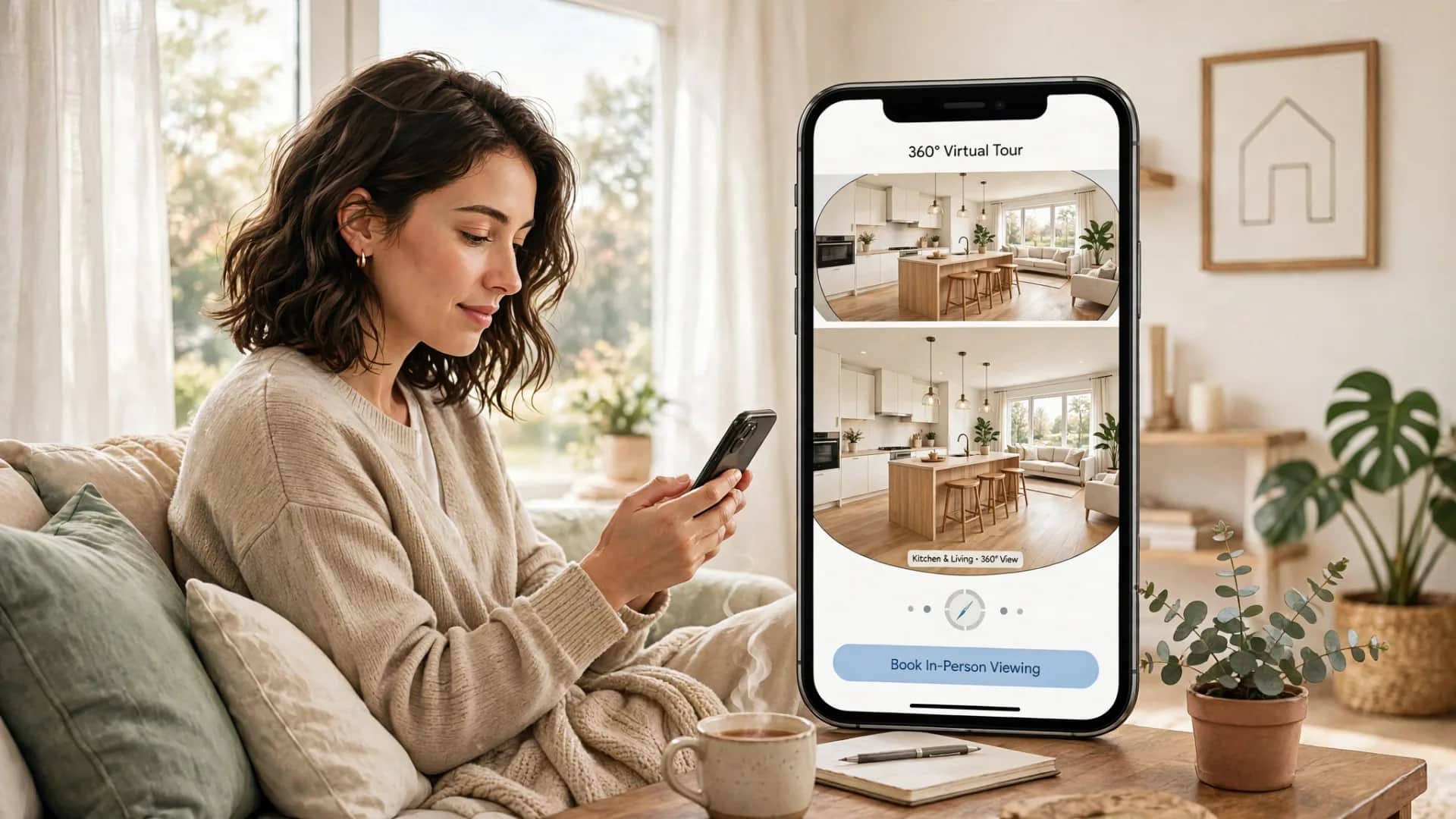
The problem is not a lack of photos. The problem is that still photos don't let the buyer walk through. A 360 tour exists for exactly that: the buyer drags to look around each room, taps to move from one room to the next — all through one link that opens on a phone.
Remote buyers are a real problem for agents
Not every buyer lives near the home for sale. Some are in another province, some are overseas. For these buyers, an in-person viewing can't always be scheduled right away: mismatched schedules, mismatched working hours, a whole trip just to see one home that may not even suit them.
The questions a buyer needs answered before booking a viewing are usually very concrete: how is the home laid out, is the kitchen separate, what does the balcony look out on. These are questions about space — and space has to be seen, not described in words.
A 360 tour does not replace the in-person viewing — the viewing is still when the buyer checks the real light, the real noise, the real feel of the home. But a tour gives the buyer a step before that: look through the whole space first, then decide whether a trip is worth it.
Where a 360 tour fits in the selling process
1. Send the link before booking a viewing
Instead of scheduling a viewing the moment a buyer asks, the agent sends the tour first with a short note: "Take a look at this tour first — walk in from the entrance, through the living room, out to the balcony to see the view, then tell me what you think." The buyer views the tour on their own time — in the evening, on a lunch break, on the weekend — without needing to match the agent's schedule.
When the buyer has already seen the tour, the in-person viewing (if one happens) is different: the buyer comes to check the points they noticed in the tour — how bright this kitchen corner really is, whether this balcony is noisy — instead of needing a walkthrough from scratch.
2. Screen buyers before scheduling viewings
Every agent has lived through this: showing a buyer three homes, only to learn at the third one that the buyer never liked that kind of layout in the first place.
A 360 tour lets buyers screen themselves: view three homes through three tours, drop the ones whose layouts don't suit them, keep only the one worth visiting in person.
3. Advise over the phone while looking at the same tour
The agent and the buyer open the same tour during a phone call. The agent says, "You're standing in the living room — tap the door on the left to go to the kitchen," the buyer follows along, and both sides look at the same frame and talk about it on the spot.
Finished homes and homes under construction: two different ways to make a tour
This is a distinction agents need to get right, because getting it wrong costs the buyer's trust.
For a finished home, the 360 tour shows the actual condition: the home looks the way the tour shows it. Before shooting, tidy the home the way it will be when the buyer views it in person: open the curtains for natural light, clear away personal items, turn on all the lights.
For a home under construction or not yet handed over, a 360 tour should only describe what actually exists: shoot the finished model apartment and tell the buyer clearly that this is the model — not the unit that will be handed over — or shoot the current state of the construction site (if the developer allows it), with clear notes on which parts are done and which are not. The article 360 tours for model apartments in real estate covers the rules for separating the model from reality.
What must never happen: splicing scenes from the model unit into the tour of the unit under construction without saying so, or describing amenities that haven't been built yet as if they already exist. Once a buyer catches one thing that isn't true, they will doubt everything else — including the things that are true.
The scenes an agent needs in a home-selling tour
A home-selling tour needs enough scenes for the buyer to picture the whole home on their own.
- Facade and entrance. The first scene the buyer sees, setting the context: what the street or lane is like, what the facade looks like, where the front door opens.
- Living room. Place the shooting point where the buyer can see the whole layout: where the sofa goes, where the balcony door is, where the paths to the kitchen and bedrooms run.
- Kitchen. Home buyers always look closely at the kitchen: is it separate from or open to the living room, does it have a window, where do the fridge and the dining table go.
- Main bedroom. Show the buyer the bed, the wardrobe, the windows and — if there are any — the en-suite bathroom and the way out to the balcony.
- Balcony and view. Standing on the balcony, turn all the way around: does it face the street or a green space, is it overlooked by the building opposite.
- Shared amenities. If the home sits in a complex with shared amenities — a playground, a pool, a gym — add a few scenes there, with clear notes that these are the complex's shared amenities.
Arrange the flow the way a buyer would walk through the home in real life: in the door to the living room, into the kitchen, into the bedroom, out to the balcony.
Putting the agent's contact point inside the tour
A 360 tour walks the buyer through the home, but at the end of the tour the buyer needs to know whom to contact. This is where the agent's contact point belongs — right inside the tour: a Zalo button, a phone number, or a link to that agent's own listing page.
The most important place for the contact point is the end of the viewing flow: after the buyer has walked through every room and stepped out onto the balcony, put a "Contact agent" button on the final scene. For detail on placement and how many buttons to use, see where to place contact CTAs inside a 360 tour.
If a tour serves one specific agent, the contact point in the tour should be that person's — not a general hotline, not a generic homepage link. A buyer who just viewed agent A's home should reach agent A through the button.
Ordering a tour: built from photos the agent already took
Agents usually already have 360 photos of the home for sale — taken during a viewing, taken at handover, or shot by a photographer earlier. StayPano builds the tour from that exact set of photos: checking the quality of each photo, stitching them into a walk in room order, adding navigation points and the agent's own contact button.
If the photo set is incomplete — missing the kitchen, missing the balcony, missing a bedroom — StayPano will flag which scenes need a re-shoot before building. For how quotes are read against the actual photo set (number of scenes, number of interactive points), see how much does a 360 tour cost: how to read a quote.
Frequently asked questions
Can buyers who aren't tech-savvy view the tour? Yes. The tour opens from a link in the phone's browser, with nothing to install.
Does a 360 tour replace the in-person viewing? No, and it shouldn't be advertised that way. A tour helps the buyer decide whether to visit, and helps the visit itself stay focused.
Are you an agent with photos of a home to sell? Send your photos via Zalo for a free quality check and a quote based on your actual photo set.
💬 Send photos of the home to sell to build a tour
Read next: 360 tours for model apartments in real estate · How much does a 360 tour cost? How to read a quote · Where to place contact CTAs inside a 360 tour?