 Virtual tours for remarkable stays
StayPano · Insights & guides
How to shoot 360 photos with your phone for tours
Shoot 360 photos with your phone for tours: step-by-step process, tips for holding steady, and honest quality limits vs dedicated cameras.
How to shoot 360 photos with your phone for tours
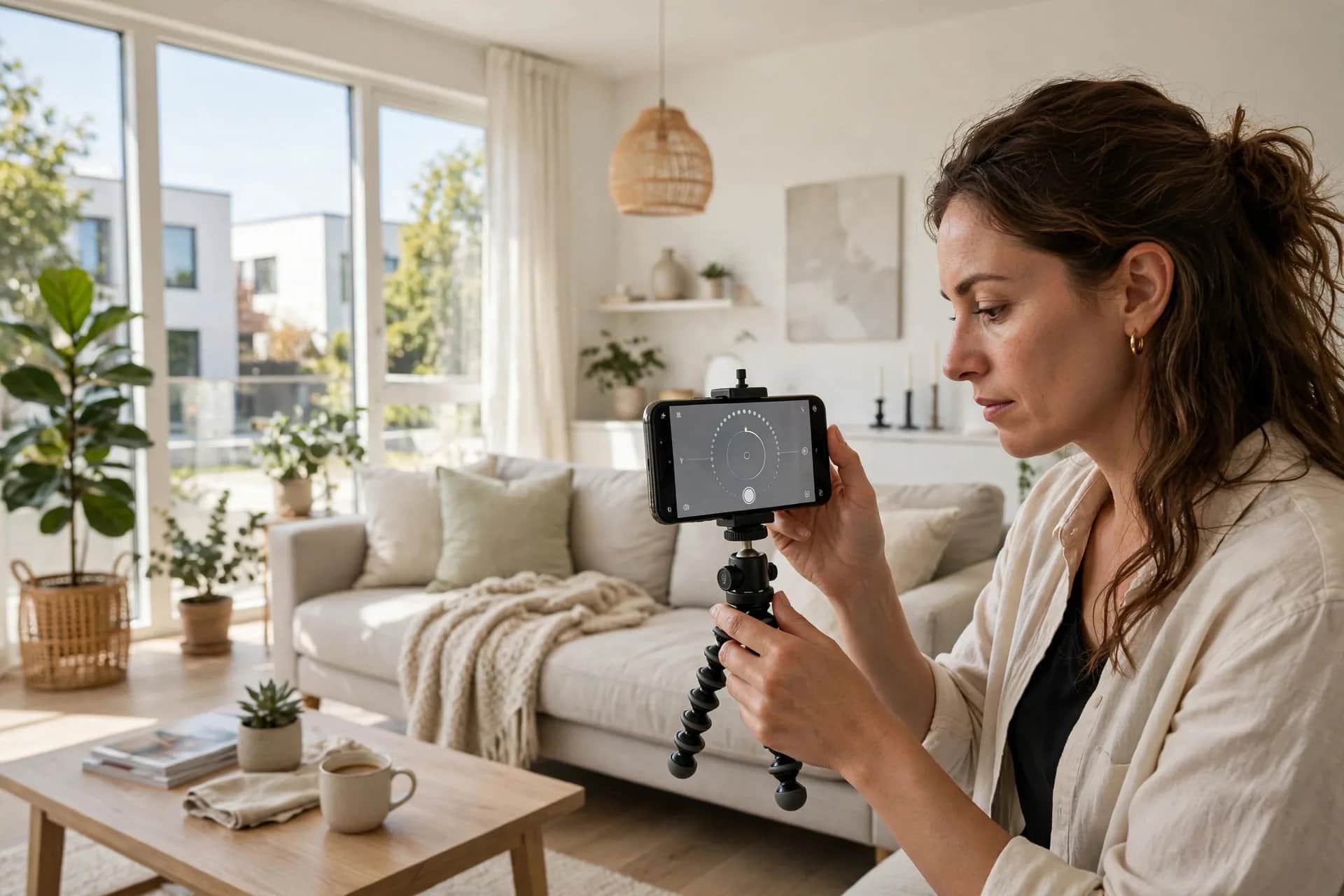
Not everyone owns a dedicated 360 camera. The good news: with a phone and a panorama app, you can shoot 360 photos good enough for tours — especially small ones (homestays, cafés). Step-by-step guide here, with the quality limits to know so you're not disappointed.
Preparation
- A phone with a good rear camera, battery above 50%.
- A 360 panorama app: pick one with spherical panorama mode that exports 2:1 images.
- A mini tripod or selfie stick (recommended): keeping the camera steady is the deciding factor.
Shooting steps
1. Pick the camera position. Center of the space, eye level (about 1.5m). Avoid standing too close to walls — near objects warp badly when stitched.
2. Tidy and light up. All lights on, curtains open, space tidied (see the checklist in preparing for a 360 tour).
3. Hold really steady. The most important step. Shake is the number one cause of misaligned seams. Rotate your body slowly around the camera axis — don't twist your wrist.
4. Follow the app's guide. Move slowly in a circle at even speed. Don't rush — rushing skips angles and leaves "holes" in the stitch.
5. Check immediately. Open the photo: seams aligned? Any blurry areas? Is the ratio exactly 2:1? Reshoot on the spot if flawed — returning later costs far more.
Quality tips
- Shoot 2–3 frames of the same angle, pick the best.
- Avoid strong backlight (big windows behind) — phones handle dynamic range worse than dedicated cameras.
- Small spaces (bedrooms, bathrooms): stand at the far opposite corner to capture everything.
Honest limits
- Lower resolution: stitched phone photos typically reach 4K–6K, vs 8K from dedicated cameras. Zooming on big screens shows blur.
- Stitching errors: moving objects (people walking by, ceiling fans) get "ghosts" or breaks.
- Low light is the enemy: dark shots come out heavily noisy.
Bottom line: phone photos are fine for tours viewed on phones — which is what most guests use. For premium hotel/resort tours shown on big screens, hire a dedicated-camera shoot (see how much a 360 tour costs).
Already have phone-shot 360 photos? Send them via Zalo — I'll check free whether they meet tour standards and flag which angles need reshooting.
💬 Send photos for a quality check
Read next: What's the best time of day to shoot 360 photos? · Misaligned 360 photo seams: causes and fixes