 Virtual tours for remarkable stays
StayPano · Insights & guides
360 Tours for Clinics, Dental Practices and Pharmacies
A 360 tour for clinics, dental practices and pharmacies: patients preview the reception, treatment rooms and process before visiting. Which scenes to include, and the privacy lines to respect.
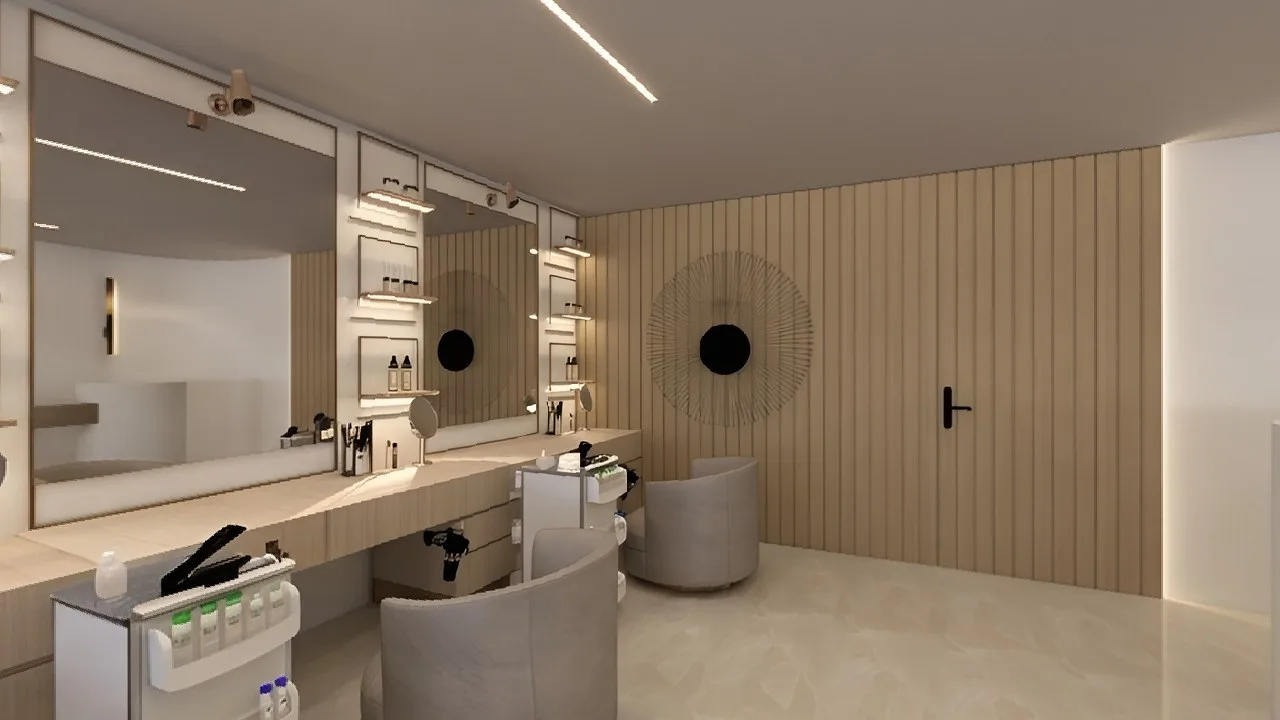
360 Tours for Clinics, Dental Practices and Pharmacies: Let Patients Feel at Ease Before They Walk In
People do not choose a clinic or dental practice only because it is nearby. Before a first appointment, many want to know what the place looks like: is the reception clean, what does the treatment room look like, which way do you walk in from the door, where do you wait? A few separate photos struggle to answer those questions, because each photo shows only the angle the photographer chose.
A 360 tour puts the viewer in the middle of the facility, free to look around and walk from the reception into the consultation room and the treatment room. That feeling of "having been there once" makes a first appointment less unfamiliar — especially for people who feel anxious about dental visits or about visiting a new facility for the first time.
This guide is for clinic, dental practice and pharmacy owners considering a 360 tour: which scenes to include, what information to attach, and the privacy lines that must never be crossed.
Why a 360 tour suits healthcare better than still photos?
Patients choose a facility based on trust. A 360 tour shows things still photos struggle to prove at once:
- A clean, orderly space: a tidy reception, clear walkways, treatment rooms arranged in order.
- Equipment and process: the examination chair, the instruments, how the sterile area is set out — things patients usually only see once they are already in the chair.
- A clear route: from the door, past reception, to the waiting area and into the consultation room — viewers walk that whole route inside the tour, so nothing feels unfamiliar on arrival.
A tour does not replace professional advice and must not be used to promise treatment outcomes. Its role is simpler: show the space and the process in advance, so patients arrive at their appointment more at ease.
5 scene groups for a healthcare 360 tour
1. Frontage and entrance
The opening scene shows patients the signage, the frontage and the entrance — exactly what they will look for on a first visit. For a facility inside a shared building, open from the building lobby or the floor corridor so patients can orient themselves.
2. Reception and front desk
The scene patients will meet first in real life: the front desk, the waiting area, the guidance signs. One viewpoint in the centre of the reception shows the overall layout and helps patients picture where they check in and where they wait.
3. Consultation and treatment rooms
Each main functional room deserves its own viewpoint: the general consultation room, the dental treatment room, the counselling room. This is the most important part of the tour, because it answers the question patients care about most: "what will it be like inside?" Film these rooms when empty, cleaned and ready for patients — which is also when they look their best.
4. Sterile and preparation areas
Hand-washing areas, sterile instrument cabinets, preparation zones — if the facility wants to show its process. Film only areas patients are allowed to see, and only when no patient is present and no instrument is in use for a specific treatment.
5. Pharmacies: the advice counter and display area
For a pharmacy, the main scenes are the advice counter, shelves by product group and the waiting area for dispensing. Pharmacy visitors usually want to know where the advice counter is, whether there is a private spot to ask about a prescription, and whether the route inside is easy to move along. You can see a layout reference on the pharmacy 360 demo project page — an illustrative demo, not a real client project.
Which info points belong in the tour?
Info points (hotspots) are the tappable points inside a tour. For healthcare facilities, three kinds are most useful:
- Service points: tap to see the services genuinely offered at the facility, for example general consultation, scaling, or medication advice. Only list services the facility actually provides, not planned ones.
- Opening hours and booking points: opening hours, a phone number or a booking message button, placed at reception and on the final scene. Placement without clutter is covered in detail in our guide on where to put contact calls-to-action in a 360 tour.
- Navigation points: scene-change arrows at walkways, so viewers can "walk" onward instead of guessing.
One important rule for info point content: only state what has been verified at the facility — opening hours, services, how to book. Do not state waiting times, costs or treatment outcomes without a solid basis. How info points work in general is explained in our guide on what hotspots are in a 360 tour.
Privacy lines: what must never be filmed
This is the most important part of this guide, and the biggest difference between healthcare tours and tours for other industries:
- Never film while patients are in frame. Capture rooms when completely empty. If anyone appears in a photo, retake it or drop that scene.
- Never use real patient photos in the tour or in info points, even with verbal agreement — unless there is a clear written agreement, and even then think carefully.
- Never film sensitive areas: changing rooms, patient-private areas, medical records, screens showing personal information, staff-only medical areas.
- Never film instruments in use for a specific treatment or anything that could reveal information about a specific patient.
The simple rule: the tour shows only the general space and process, never a specific person or anyone's health information. Respecting patient privacy always matters more than one extra scene.
How clinics, dental practices and pharmacies differ
- General clinics: emphasise reception, consultation rooms by specialty and the route from the front desk to the consultation room. New patients care most about "where do I go once I arrive".
- Dental practices: emphasise the treatment room and the sterile area, because that is where patients feel most anxious. A tour showing the chair, the light and neatly arranged instruments makes a first appointment less stressful. The dental 360 demo project page is an illustrative layout reference.
- Pharmacies: emphasise the advice counter and waiting area, because pharmacy visitors usually need a quick question and a quick dispensing. A pharmacy tour needs fewer scenes than a clinic tour, but it must be clear: where is the counter, who do you ask, where do you wait.
Whatever the type, the tour should start at reception and end at the booking contact point — the most natural route for a new patient.
What to prepare before the tour is built
StayPano builds tours from your existing 360 photos — you send the photos, StayPano checks them, builds the tour, and hands over the tour link plus a website embed code. Before sending photos, the facility should:
- Pick a filming time with no patients present: early morning before opening or after working hours, once rooms are cleaned.
- Tidy each room as if welcoming patients: chairs/beds neat, instruments in place, no records or personal items in frame.
- Review every scene before sending: does anyone appear in the photo, is any personal information visible, did any sensitive area slip in?
- Note which areas need info points and what each point should say — only verified information.
If you do not have 360 photos yet, you can work with a suitable photographer and send the photos over — StayPano focuses on building the tour and does not include photography.
Key takeaways
A healthcare 360 tour does not need to be grand: a clear reception, treatment rooms filmed while empty, an easy-to-follow route, a booking contact point in the right place, and privacy lines held absolutely. Get those right and patients can "visit once" before their real appointment — and arrive more at ease.
Already have 360 photos of your facility? Send them via Zalo and StayPano will check them and advise on the build: Chat on Zalo