 Virtual tours for remarkable stays
StayPano · Insights & guides
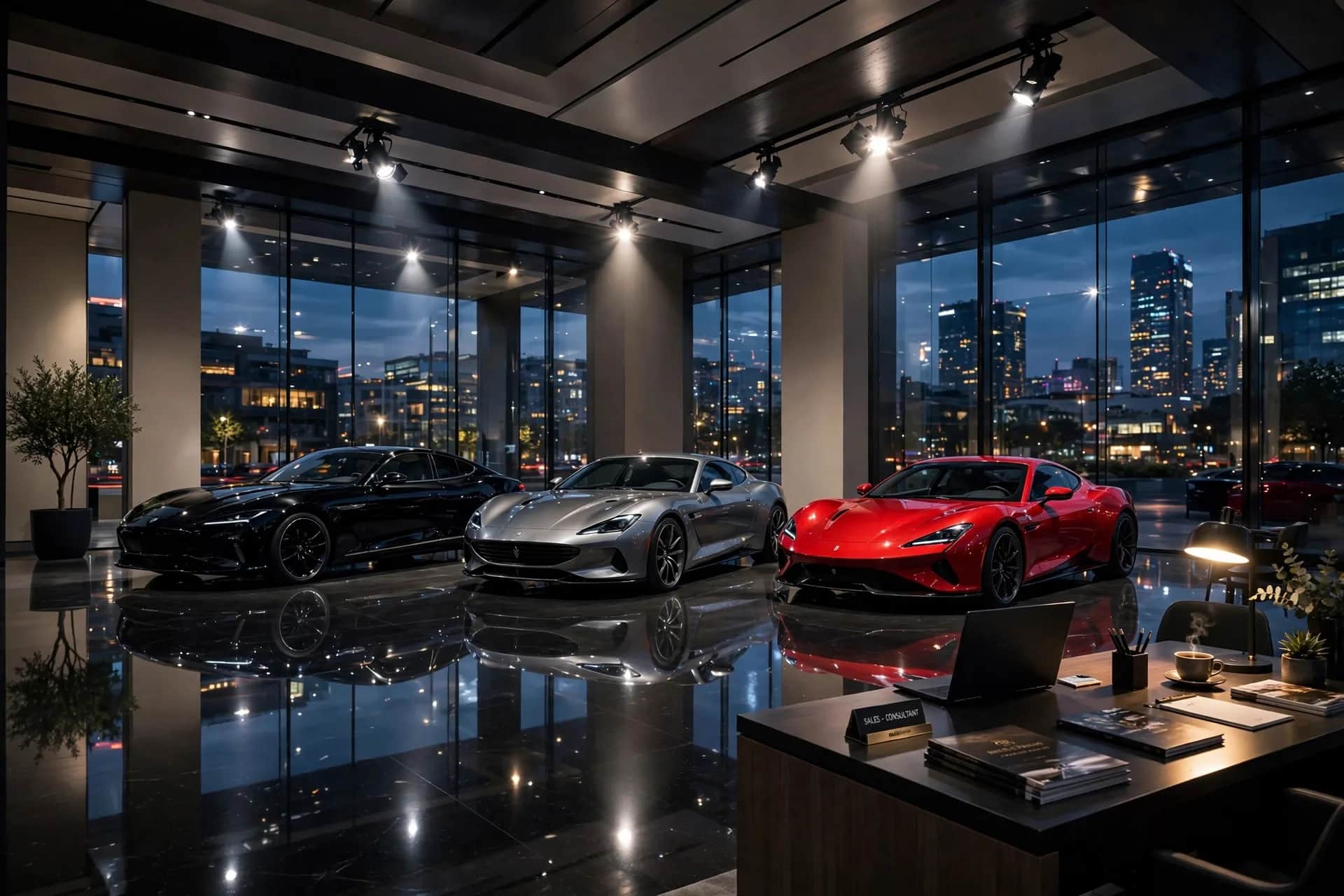
360 tours for furniture and car showrooms
Why should furniture and car showrooms have a 360 tour? Displaying products in real spaces with price info attached at each viewpoint.
360 tours for furniture and car showrooms
Furniture and car buyers share one worry: "it looks good in photos, but how does it look in real life — and in my space?" A 360 tour doesn't erase that worry, but it shows products inside real spaces — something isolated product shots can't do.
What do online showroom visitors need?
- "What's in the showroom?" — distant customers want a quick walkthrough to see if you carry what they need before visiting.
- "How does this look in a real space?" — a sofa in a model living room reads completely differently from a white-background shot. Tours show true scale and color in context.
- "How much?" — browsing without prices means leaving. Price info attached to each product is mandatory for showroom tours.
Must-have angles
1. Full showroom overview. From the entrance. Attach: opening hours, address, consultation booking link.
2. Each display zone. Furniture: model living rooms, bedrooms, kitchens. Cars: each model line. Each zone with model names, reference prices, product-page links.
3. Experience corners. Furniture: the sofa customers may sit on. Cars: interiors and cockpits — an open car door with a 360 angle inside is a car-showroom tour's most valuable shot.
4. Consultation / checkout counter. Attach: warranty policy, installment plans, delivery.
See how retail tours are organized in the shopping-district 360 demo.
Info points are a showroom tour's soul
Unlike hotel tours (info to inform), showroom tours need info to sell:
- Name + price on the product: tap the sofa → model name, price, materials appear.
- Detail links: from the info point out to the product page so customers can buy.
- Comparisons: two models side by side in one viewpoint with a quick comparison table — customers compare themselves without staff.
Shooting notes for showrooms
- Shoot right after merchandising: products at their best positions, space as tidy as opening day.
- Showroom lighting is usually good already — use it, but avoid spotlights hitting the camera directly and blowing out spots.
- Update with new collections: showrooms rotate models seasonally — a tour showing discontinued items backfires. Schedule updates with each collection change (see how often to update a 360 tour).
How many display zones does your showroom have? Send a few photos via Zalo — I'll advise scene counts and product-info placement, free.
💬 Get advice on 360 tours for showrooms
Read next: What are hotspots in a 360 tour? 5 types worth using · Where to place contact CTAs inside a 360 tour?