 Virtual tours for remarkable stays
StayPano · Insights & guides
360 tours for schools and training centers
Why should schools and training centers have a 360 tour? Parents preview facilities from home; remote students enroll with confidence.
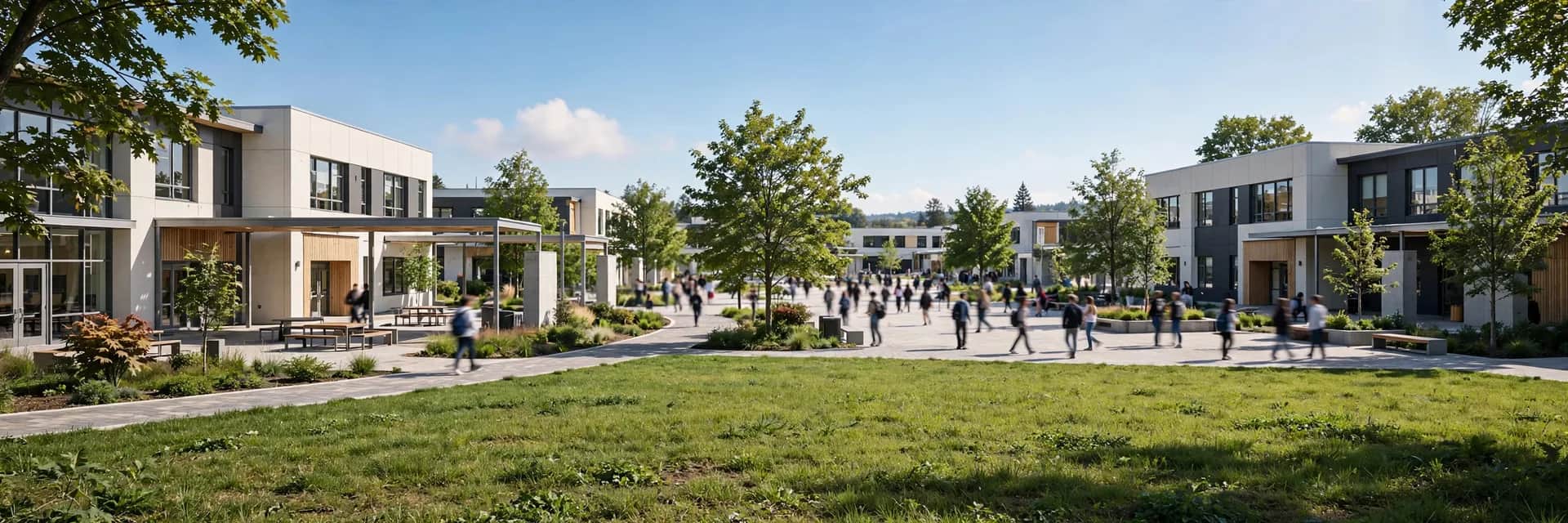
360 tours for schools and training centers
Parents choose schools on many factors, but facilities always rank near the top — and not every parent can visit in person, especially for boarding schools or centers in another province. A 360 tour lets parents "visit the school" from home — a clear admissions advantage many schools haven't tapped.
Who views a school tour?
1. Distant parents. Boarding school, study abroad, or a family relocating — parents want to see classrooms, dorms and playgrounds before deciding. A tour replaces an expensive school visit.
2. Center students. People enrolling in courses (languages, skills, trades) want to see classrooms and practice equipment. A tour gives them confidence to pay.
3. Partners and visiting delegations. Schools hosting evaluation teams or training partners — send the tour link before the meeting so both sides align faster.
Zones to shoot
1. School gate / main lobby. The first angle. Attach: admissions info, consultation signup link.
2. A model classroom. One standard room: desks, board, projector. Attach: maximum class size — parents care deeply about this number.
3. Functional rooms. Labs, library, music/art rooms (as applicable). Each with its subjects and standout equipment.
4. Dormitory (if any). A model dorm room: bunk beds, personal lockers, wash areas. The most scrutinized part for boarding-school parents.
5. Playground / sports area. Fields, sports hall, pool (if any). Attach: extracurricular activities.
6. Canteen. The communal dining area. Attach: sample menus, food-safety commitments.
School-specific notes
- Shoot with no students around (after hours or holidays) — protects children's privacy and shows facilities clearly.
- Information must be exactly accurate: class sizes, tuition, curricula — one wrong number in the tour destroys trust, because parents verify carefully.
- Review each school year: new year, new check — renovated classrooms and new equipment mean updating those scenes (see how often to update a 360 tour).
Where to place the tour for admissions?
- The admissions page: a "Tour the school in 360°" button right at the top — parents see it immediately.
- Admissions posts on the fanpage: tour link with the best panorama thumbnail, pinned post.
- Direct to consulting parents: when parents message asking about facilities, send the tour link instead of describing in words — faster and more convincing.
Is your school or center in admissions season? Send a few facility photos via Zalo — I'll advise scene counts and tour placement on your admissions page, free.
💬 Get advice on 360 tours for schools
Read next: How to get your 360 tour on Google Maps · Sharing your 360 tour via Zalo and QR codes