 Virtual tours for remarkable stays
StayPano · Insights & guides
Google Street View vs a Private 360 Tour: What's the Difference?
Google Street View vs a private 360 tour: where each one shows up, how much you can customise, contact buttons, control, and how to use both so visitors find you and book.
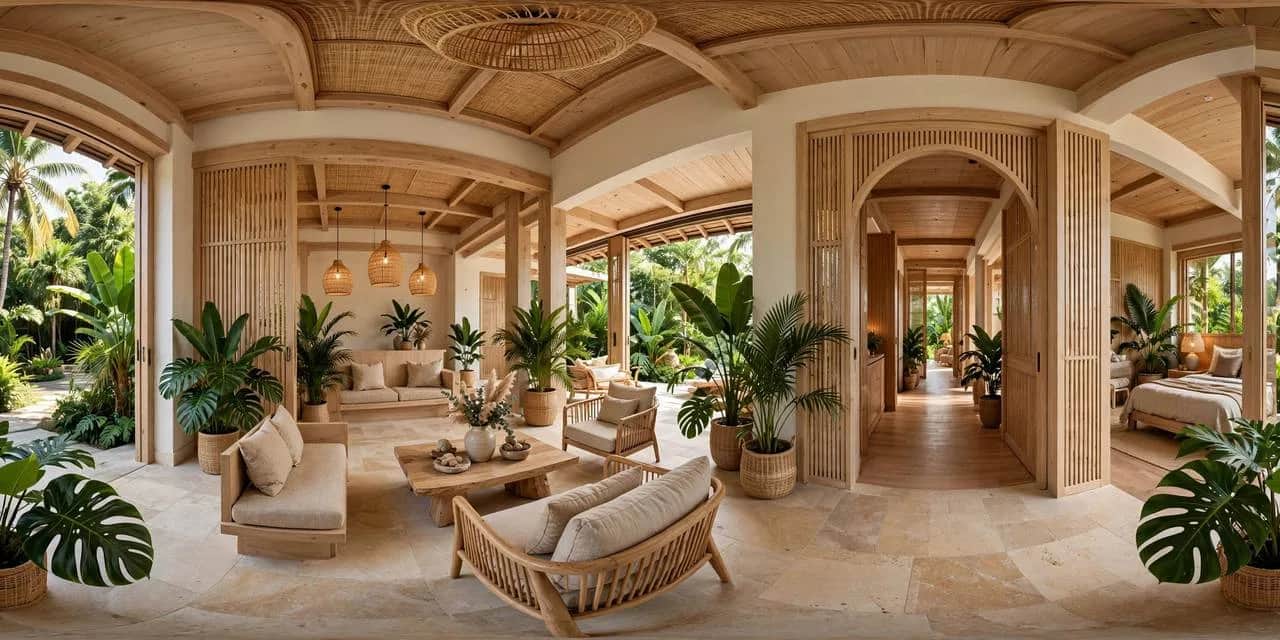
Google Street View vs a Private 360 Tour: What's the Difference?
Many venue owners ask the same question: once the tour is on Google Street View, is a private tour still needed? Others only have a private tour on their website and have never put anything on Maps. Both are 360 imagery, but their roles differ — understanding the difference is what lets you use each one in the right place, instead of picking one and wasting the other.
This guide compares them directly: what Street View is, what a private tour is, where they differ, and how to use both sensibly.
What is Google Street View?
Street View is 360 imagery attached to Google Maps: when customers find your venue on Google Maps or Google Search, they can click in and "walk" around inside your space, right inside Google's interface.
Street View's strength is in being found:
- Where it shows: on Google Maps and Google search results — where customers are looking for directions, comparing nearby venues.
- Initial trust: customers see the real space through a platform they already know, before clicking to your website or messaging you.
- No website needed: a venue without a website can still let customers preview its space through Street View.
Its limitation sits in exactly the same place: the space shows inside Google's interface, under Google's rules. You cannot freely add your own booking button, restyle the interface to your brand, and the viewing flow is driven more by the platform than by you.
What is a private 360 tour?
A private tour is a tour you (or the tour builder working for you) control: its own link, embeddable on your website, sendable via Zalo, with info points and contact buttons placed exactly as you want.
A private tour's strength is in control:
- Where it shows: your website, Zalo messages, your own posts — where customers are already interested and considering contact.
- Customisation: info points (hotspots) carrying service names, opening hours, verified prices; contact buttons at reception and on the final scene; colours and branding matched to your venue. How info points work is explained in our guide on what hotspots are in a 360 tour.
- A viewing flow you decide: you choose which room visitors enter first, which highlight they stop at, and which contact point the tour ends on.
- Measurement: you can see how often the tour is opened, which scenes visitors reach, and where they click contact — so you know whether the tour is doing its job.
Its limitation: a private tour does not bring visitors by itself. People only see it after clicking your link — from your website, from Zalo, from a post. In other words, a private tour is good at converting interest, but weak at being discovered.
Quick comparison
| Criterion | Google Street View | Private 360 tour |
|---|---|---|
| Where customers see it | Google Maps, Google Search | Your website, Zalo, your posts |
| Main purpose | Be found while customers search for places | Convert interest into contact |
| Interface customisation | Google's interface | Your venue's branding |
| Info points, contact buttons | Limited, under the platform's rules | Yours to place: services, hours, message buttons |
| Viewing flow | Largely platform-led | You decide, from opening scene to closing scene |
| Control | Depends on the Google account and policies | You (or your tour builder) hold the link and the tour |
| Measurement | Figures inside Google's tools | Your own opens, scenes reached, contact clicks |
Neither side "wins" outright — the table shows each one is good at a different job.
How to use both sensibly
For most venues, the sensible setup is Street View for discovery, a private tour for conversion:
- Put 360 imagery on Street View so customers searching Maps see your real space while comparing nearby venues.
- Build a private tour for your website and Zalo — from the same photo set, but with info points, contact buttons and a viewing flow shaped to your purpose.
- Join the two ends: on your website and in messages, send customers the full private tour; on Maps, customers see the space and find their way to your website to see more.
Two tours from one photo set cost no extra photography — only the build effort for each purpose. If you already have 360 photos, building the private tour is the fastest step: how to prepare your files is covered in our guide on sending 360 photos for tour building.
When is only one of them enough?
- Street View first only: a new venue, no website yet, tight budget, whose immediate goal is for Maps searchers to see the real space.
- Private tour first only: a venue with a website and a steady flow of messages, wanting more viewers to contact after watching — this is where the private tour's info points and contact buttons pay off.
- Both: a venue that wants to be found and to convert on its website and Zalo — the most common case for homestays, restaurants, clinics and showrooms.
Key takeaways
Street View and a private tour do not replace each other: one helps customers find you on the map, the other helps interested customers contact you. Use both, each for its own job, and one 360 photo set does twice the work.
Already have 360 photos of your venue? Send them via Zalo and StayPano will check them and advise how to build your private tour — and whether Street View is needed too: Chat on Zalo